
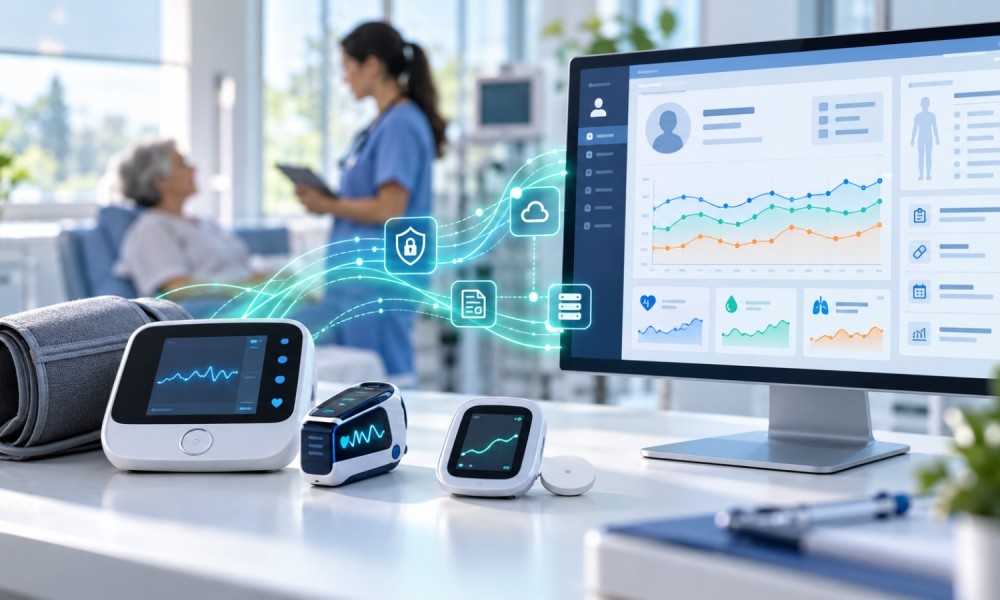
Remote patient monitoring (RPM) helps healthcare providers track patients’ vital signs between appointments. According to the 2025 Digital Health Most Wired National Trends report, 68% of surveyed healthcare organizations integrate RPM data into their EHRs.
However, when device readings remain in separate dashboards, clinicians must switch systems to review them. Integrating RPM data into your electronic health record (EHR) makes readings accessible within existing care workflows.
Follow these 6 steps to integrate RPM data into your existing EHR systems:
1. Identify Your EHR’s Integration Options
Check whether your EHR supports HL7 FHIR APIs, HL7 v2 messaging, or vendor-specific interfaces. Then confirm which patient observations it accepts and how clinicians can access them.
2. Connect RPM Devices to a Data Platform
Configure blood pressure monitors, glucose meters, or other devices to transmit readings through a connected application or gateway.
And when implementing IoT in remote patient monitoring, ensure your platform can receive device data consistently and identify its source.
3. Convert Readings Into EHR-Compatible Formats
For this, use an integration layer to:
- Match readings with patient identifiers.
- Standardize units and timestamps.
- Map measurements to codes such as LOINC.
- Structure observations using supported FHIR resources.
4. Configure Secure Data Transfer
Connect your integration layer to the EHR with authenticated interfaces.
- Encrypt transmissions
- Restrict access, and
- Maintain audit logs
Also, apply healthcare data interoperability standards to support consistent data exchange.
5. Display Readings Within Clinical Workflows
Configure the EHR system to display incoming readings in patient charts. Then, set clinician-approved alert thresholds and route abnormal readings to designated care teams.
A Compatible Remote Patient Monitoring Software can support device connectivity and data exchange.
6. Test the Integration
At last, run a pilot to verify patient matching, data accuracy, failed-transmission handling, alert delivery, and clinician access.
Conclusion
A successful RPM–EHR integration moves readings from connected devices into usable clinical records. You can start with supported interfaces, validate each data-transfer stage, and expand only after testing confirms reliable performance.
Author Bio: Ubaid Pisuwala is the co-founder and chief technology officer of Peerbits Healthcare Software Development Comoany, with more than two decades in software engineering and digital health. He writes about secure, connected technology that supports continuity of care.
https://www.linkedin.com/in/ubaidpisuwala/