




























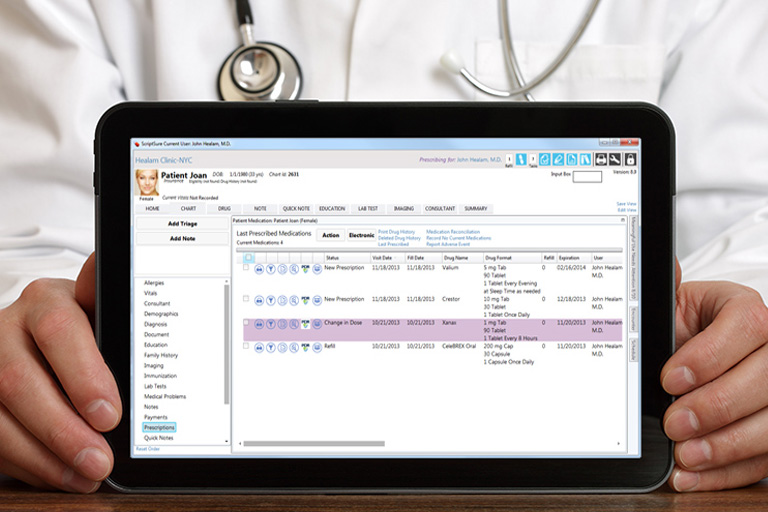
Digital medical records are expensive. According to an article written by Bryan Bergeron, M.D., published by PubMed Central, the cost can be anywhere from $2,000 to $20,000 per physician. After purchasing the right system for your practice, the next most important task is keeping your system updated and running properly.
Instructions
System Maintenance
1. Monitoring system maintenance should be assigned to designated employee in your office. The actual tasks that need to be performed depend on the type of medical record system you own. If you are a new user, ask the person you have chosen to monitor your system to speak regularly with your vendor to determine their update schedule. Ask questions including when to expect scheduled upgrades, how often they usually send out patches and the contact information for customer support. Your vendor should alert you when a system update or upgrade is necessary to keep your system working properly. If you are not a technical expert, work with your system vendor or a consultant to upgrade and troubleshoot your electronic medical record.
2. Track your server performance or your ISP speed. Depending on the type of system you have, both are essential for proper performance. If you are on a server-based system, you will be able to make upgrades and improvements to the servers that are on site. This allows you to make immediate changes and customizations to your system. If you do not have an IT person on staff to maintain and update your servers, ask your vendor if they supply application support. Some offer support contracts and others have consultants available. Server-based systems usually are more costly in the beginning and require more maintenance for the servers. You also will need to be sure that your servers are secure to help protect your patient data.
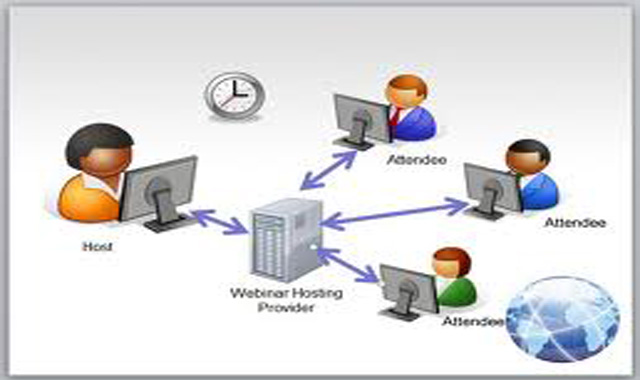
If you are on an Internet based system, designate a member of your staff to receive the email from your vendor alerting them that an update is ready for download. This type of system is less costly during start-up because you do not need to lease or purchase servers. Upgrades and updates to this EMR are available on the Internet. If you run this type of system, you will need to install high-speed Internet connection to keep your system running smoothly. If your EMR software seems to be running slowly it is most likely due to your Internet connection speed. Monitor your Internet service provider, or ISP, to be sure it has the fastest service available in your area. Often an ISP will upgrade to faster service but might not alert its customers.
3. Update your content as necessary; data accuracy is essential to your system — and medical data changes on a regular basis. Teach your staff member responsible for communication with your system vendor to expect data updates on a regular basis. Create calendar entry reminders when data updates are due. Follow up with your system consultant or vendor if a data update is not available on schedule. If your EMR communicates with a billing or coding system, it is essential to update your data so that you will be able to enjoy increased reimbursement based on use of technology. Depending on the type of system you have, data downloads can be immediately available from the Internet. If you are working with a server-based system, expect your vendor or consultant to install data updates.
(Source)


